Search Console Now Links Your Social: What It Means
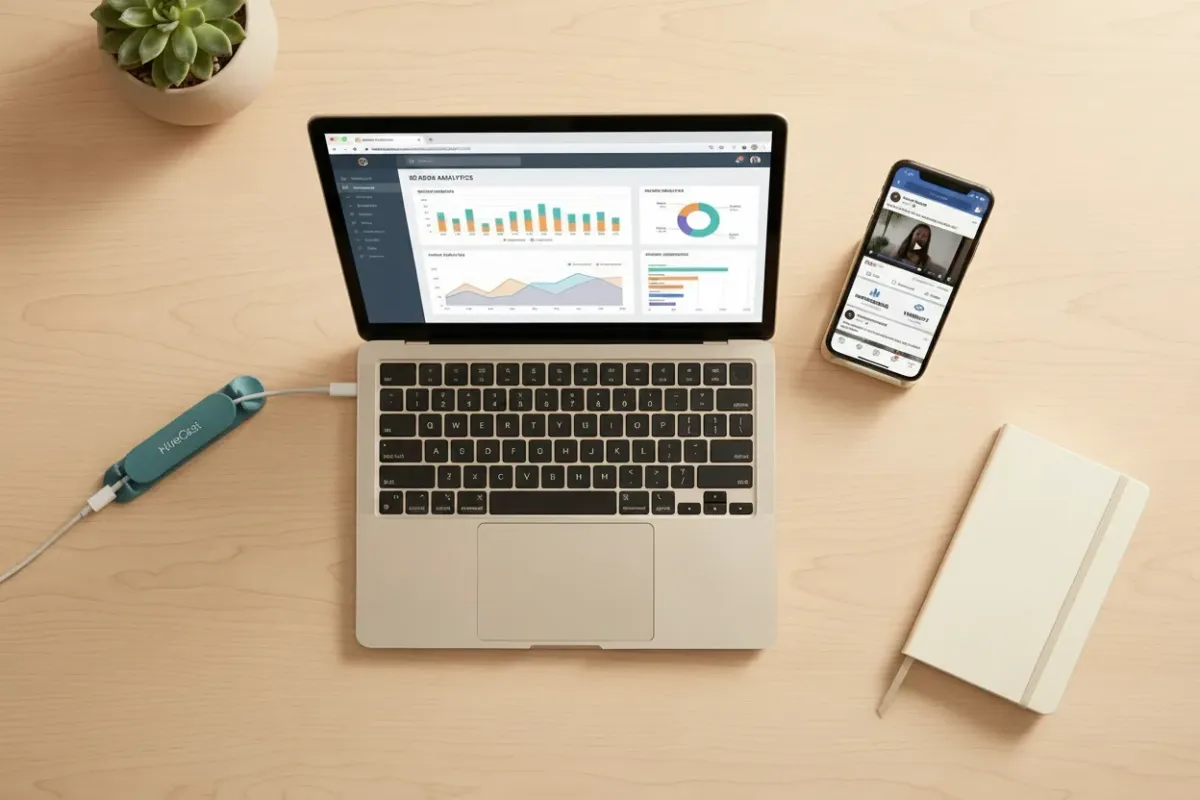
Learn what Google Search Console for YouTube means for podcasters, what data it shows, and how to use it to improve discoverability.
Key Takeaways:
- Google Search Console can now track how people find your YouTube and social content through Google Search.
- This data reflects only search-driven discovery, not your total views, downloads, or platform performance.
- For podcasters, that means clearer insight into which topics, guests, and clips are attracting search interest.
Google just rolled out a new feature, and if you host a podcast, it’s worth five minutes of your attention. Your search data can tell you a lot about how people are finding your show.
Book a call with HiveCast to turn that visibility into action.
Quick Refresher: What is Google Search Console?
Search Console is a free tool Google gives website owners so they can see how their site performs in Google search. It shows things like how many people saw your page in search results, how many clicked on it, and what exact words they typed to find you.
Until now, this tool only worked if you owned a website. If your content lived on Instagram, YouTube, or TikTok instead, Google had no way to show you that data.
What Just Changed
As of July 7, 2026, Google added a new option called “platform properties.” You can now connect your Instagram, TikTok, X, and YouTube accounts directly to Search Console, even if you don’t have a website at all.
Once connected, Search Console shows you the same kind of data it gives website owners, but for your social posts. Clicks, impressions, and the actual search terms people used before they landed on your content.
Setting it up is simple. Open Search Console, click “Add property,” pick the platform you want to connect with, and follow the prompts to verify your account. Google says it’s rolling this out gradually, so it may not show up in your account the moment you look.
One thing to know: there’s no backfill. The tracking only starts once you connect the account, so any data from before you set it up is gone for good. That’s a reason to connect your accounts sooner rather than later.
This is a Different Number Than the One You’re Used to Seeing
Before you connect anything, it helps to know exactly what this tool is measuring, because it is not the same thing as your view count or your download count.
Your YouTube views mostly come from YouTube’s own recommendation system, from people browsing inside the app, or from YouTube’s own search bar. Your podcast downloads mostly come from Spotify, Apple Podcasts, or another app surfacing your show inside its own charts and recommendations. None of that activity shows up in the Search Console.
What Search Console tracks is narrower. It only counts the moments someone typed something into Google itself and your content showed up in the results or in Discover. That is a real and valuable signal, but for most shows it is a small slice of total traffic, not the whole picture.
So if you or a client connects an account and the numbers look tiny compared to overall view counts or downloads, that is expected. It does not mean the content is underperforming. It means Google Search is one discovery channel among several, and this tool only shows that one channel.
What This Means if You Host a Podcast
You can finally prove your YouTube episodes are working. If you post full episodes or clips to YouTube, you’ll now see exactly which Google searches are leading people to them. That tells you whether people are finding your show because they searched for a topic or a guest, rather than just stumbling on it inside YouTube itself.
Your short clips get real numbers. Most shows cut episodes into 60 second clips for TikTok and Reels. Google actually indexes a lot of these clips in search results now. So if a clip about a specific topic starts pulling in thousands of impressions from Google Search, you know that’s a topic your audience is actively looking for.
You don’t need a website to get this data anymore. If your show lives entirely on Spotify or Apple Podcasts and you promote it through socials, you can now see search visibility data without ever building a site.
You get to see the exact words your audience uses. The search queries report shows you whether people are searching for your show by name, or whether they’re searching for a guest or a topic and finding you that way. Either version is useful. It tells you what to put in your episode titles and show notes.
You can see where discovery is actually happening. Social content tends to win on people searching for ideas or inspiration, while websites tend to win when people are ready to take action, like subscribing. Now you can actually watch that handoff happen instead of guessing at it.
Put This Data to Work
This is a free way to see one specific thing: whether your content is reaching people through Google search. It won’t reflect your total audience or your overall growth, and it isn’t meant to. Think of it as one more data point next to your view counts and downloads, not a replacement for them. If you’re producing video episodes or clips at all, it’s worth connecting your accounts and watching the data build over the next few weeks.
The setup itself takes five minutes (but if you need help, I’ll help you).
The harder part comes after, once you’ve got a month of search queries in front of you and need to figure out what they’re actually telling you to do differently. That’s the part I help clients with, and it is the same read we give every show on a podcast SEO engagement. If you want a second pair of eyes on your data once it starts rolling in, book a call with HiveCast.
Frequently Asked Questions
Do I need a website to use this?
No. That's the entire point of the update. You can connect an Instagram, TikTok, X, or YouTube account on its own, with no website attached.
Is this free?
Yes. Platform properties is part of Search Console, and Search Console has always been free.
Which platforms are supported right now?
Instagram, TikTok, X, and YouTube. That's the full list at launch. Facebook was part of an earlier test back in December 2025 but didn't make it into this rollout.
Does this cover Spotify or Apple Podcasts?
No. Podcast hosting apps aren't part of platform properties. If your show lives primarily on Spotify or Apple, this tool only picks up activity from the social accounts you connect, not the podcast app itself.
How long until data shows up after I connect an account?
Expect a few days before anything populates. Search Console defaults to a 28-day view, so it's worth waiting out that full window before drawing conclusions from what you see.
Does this replace YouTube Studio or Instagram Insights?
No. Those tools show your overall performance on that platform, views, likes, watch time, and so on. Search Console only shows the slice of that activity that came from someone searching on Google. Keep using your native analytics for the full picture.
Can I connect more than one account on the same platform?
Yes, but each account needs its own separate connection and verification. There's no way to bulk connect several accounts at once.
What happens if the connection breaks?
Google periodically re-checks that the connection is still valid. If the login you used to verify expires or changes, reporting pauses until you reconnect. Once you do, your historical data comes back immediately. Nothing needs to rebuild.
Is this the same as a Google Search profile?
No. Search profiles are public creator pages Google launched back in June 2026, meant to be shared with an audience. Platform properties is the opposite of public. It's private analytics, visible only to you inside the Search Console.
Does connecting an account let Google post or make changes on my behalf?
Based on how Google describes the setup, this is a verification step for reading performance data, the same kind of authorization you'd give any analytics tool. It is not a posting or account management permission.
Want this handled for you?
You record the episode, and HiveCast handles the editing, show notes, graphics, and scheduling. We have produced more than 5,000 episodes, and there are no long-term contracts.
More on Podcast SEO
Related Articles
Podcast SEO: How to Get Your Show Found in Search
Podcast SEO works in two places: the search inside Apple and Spotify, and the episode pages Google reads. Here is what to fix in each, and in what order.
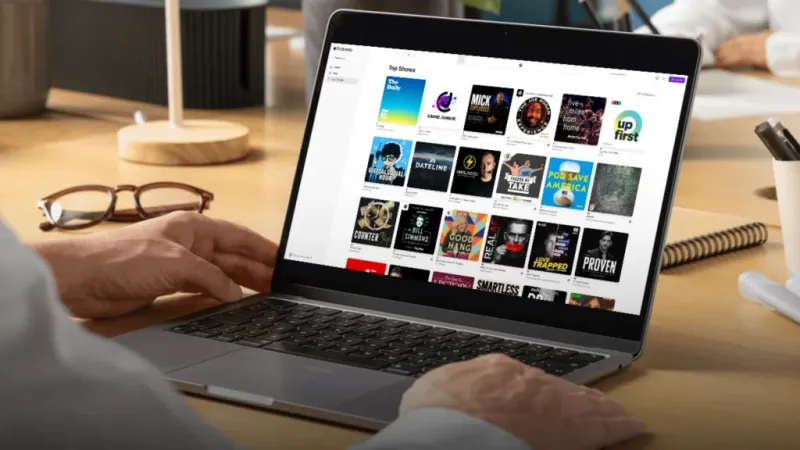
5 Tips to Rank Higher on Apple Podcasts in 2026
Rank higher on Apple Podcasts in 2026: optimize metadata, earn more follows, improve retention, and turn Search and Top Charts into discovery.
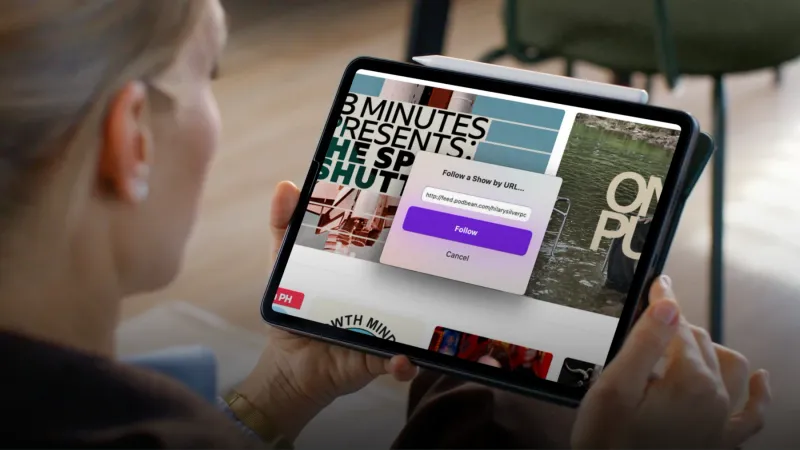
How to Use Apple Podcasts Deep Links to Get More Subscribers
Apple Podcasts deep links open straight in the app with Follow ready to tap. Learn how to build them and cut the friction costing you subscribers.